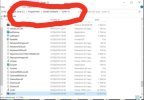
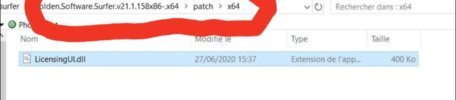
انسخ الملف \patch\{x32|x64}\LicensingUI.dll إلى مجلد التثبيت <installdir>.
شغّل Surfer.
اختر من القائمة: File -> License Info، ثم اضغط Update offLine -> Import the license file،
وحدد الملف \patch\surfer.lic، ثم اضغط Validate license.
أعد تشغيل Surfer.
ملاحظة: يجب أن يعمل GS Scripter بشكل طبيعي.
إذا ظهر خطأ Scripter (10096) مع الرسائل:
ActiveX Automation: server could not be found أو
ActiveX Automation: server cannot create object،
فشغّل كمسؤول الملف \patch\Surfer-Scripter_reg.bat.